Asset Lookup Lists
The Asset > Lookup Lists component in Design Studio lets you add, edit, and delete lookup list records specific to the Asset application or module. Lookup lists refer to a predefined set of values that are used to populate a field within an asset form.
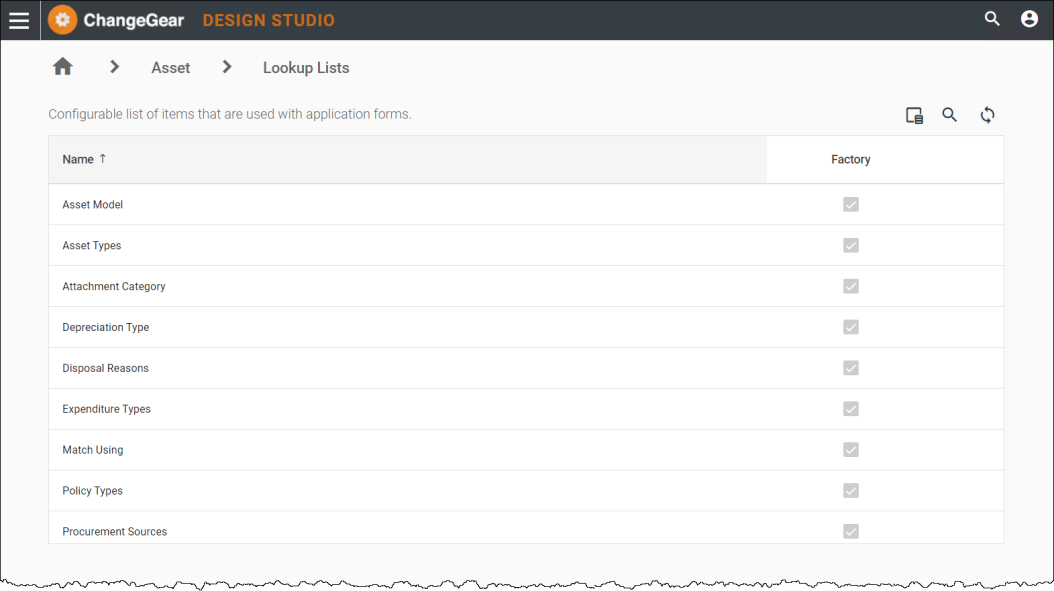
Using Asset Lookup Lists
|
Lookup List |
Function |
|
Identifies the model of an asset. |
|
|
Identifies the types of resources that your organization manages. |
|
|
Attachment Category |
Identifies the categories that attachments can be associated with for Asset. |
|
Depreciation Type |
Identifies the type of depreciation for the asset. |
|
Disposal Reasons |
Identifies the reasons for disposal of the asset. |
|
Expenditure Types |
Identifies expense types related to the asset. |
|
Match Using |
Identifies the matching mode for the SNMP OID on the Asset Model. |
|
Policy Types |
Identifies the policy for a resource. |
|
Procurement Sources |
Identifies how resources are acquired. |
See also: